YHK Mini Printer
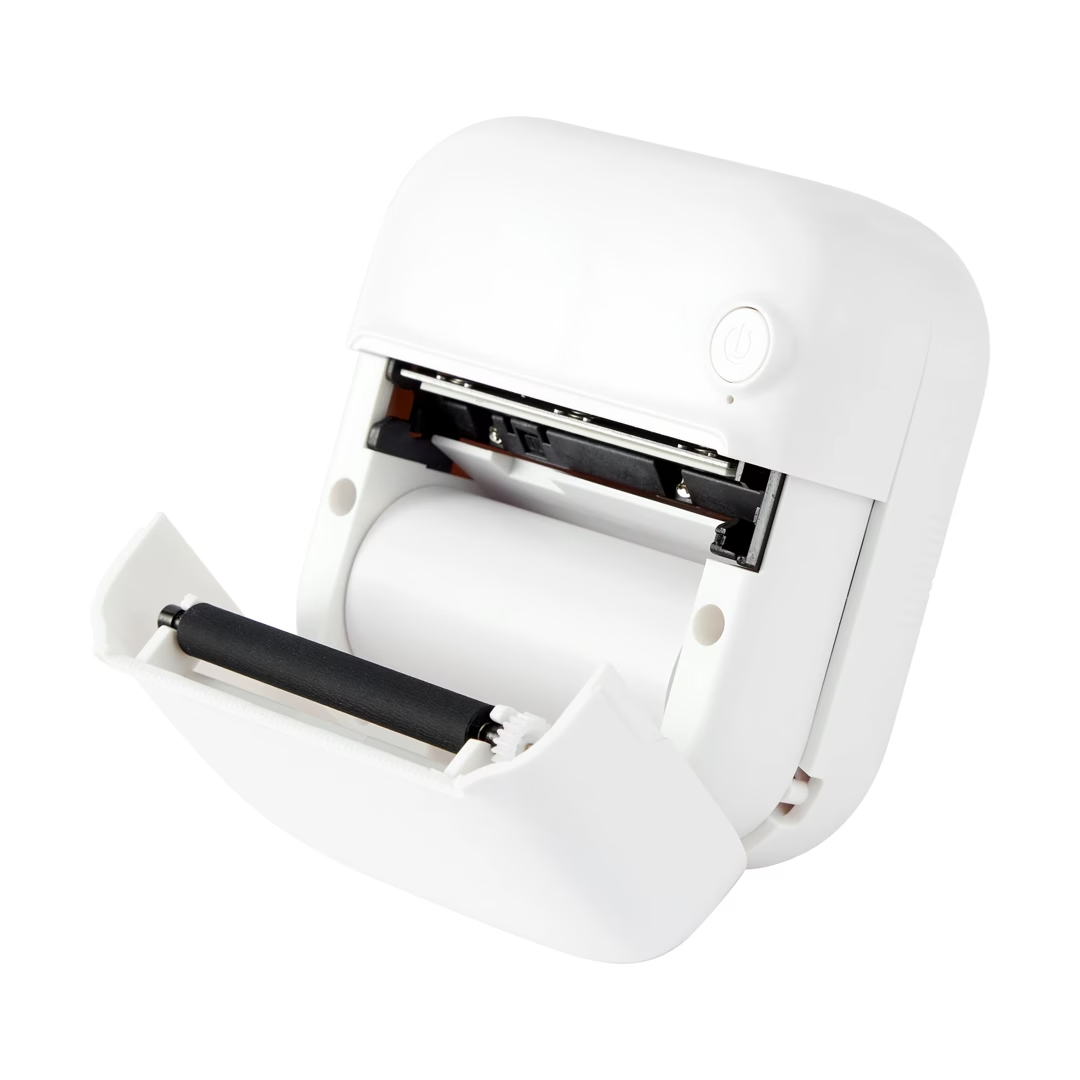
I picked up a Kmart Thermal Bluetooth Printer (SKU 43437771) on impulse. It advertises as YHK-* on Bluetooth and pairs fine with the vendor’s phone app (“WalkPrint”), but I wanted to print from a laptop without installing anything sketchy. The printer had no public API, no SDK, and no documentation beyond “download the app.”
So I did what you do with cheap hardware: connect to it over BLE and see what services it exposes.
Source on GitHub · Live demo (Chrome/Edge, needs HTTPS or localhost)
Demo
Web app — connect and print from Chrome:
Printer output — test image on paper:
Discovering the GATT profile
I didn’t do a full packet capture or try to decode bytes off the wire. The practical first step was enumerating services and characteristics. nRF Connect on a phone works for a quick look, but what I actually used for the UUIDs was Chrome’s Web Bluetooth API: pair with the printer, dump the GATT table from the devtools console, and read off the UUIDs and properties (writeWithoutResponse, notify, and so on).
That gets you what you need to write code. Web Bluetooth, CoreBluetooth, and noble all want UUIDs, not attribute handles. Handles are an implementation detail of a particular connection on a particular stack, and they aren’t portable the way UUIDs are.
The profile that came back was a UART-style setup: one writable characteristic for host → printer traffic, and a separate notifiable one for printer → host. Standard stuff for a serial bridge chip.
Using an LLM to make sense of the UUIDs
I also kicked around ideas in ChatGPT with a vague description (“cheap BLE thermal printer, YHK-962D class”). Before I’d even pasted the UUID dump, the model recognized the pattern: almost certainly an ISSC Transparent UART service, the same GATT profile Microchip ships on a lot of cheap BLE serial bridges. It suggested Web Bluetooth as a viable path and gave me a Chrome snippet to enumerate services and characteristics after pairing:
const device = await navigator.bluetooth.requestDevice({
  filters: [{ namePrefix: "YHK" }],
  acceptAllDevices: true,
  optionalServices: ["device_information"],
});

const server = await device.gatt.connect();
const services = await server.getPrimaryServices();
for (const service of services) {
  console.log("service", service.uuid);
  const chars = await service.getCharacteristics();
  for (const c of chars) {
    console.log(
      " ",
      c.uuid,
      "write", c.properties.write,
      "writeNoResp", c.properties.writeWithoutResponse,
      "notify", c.properties.notify,
    );
  }
}
I ran that in Chrome, connected to the printer, and got back:
| Role | UUID |
|---|---|
| Service | 49535343-fe7d-4ae5-8fa9-9fafd205e455 |
| TX (host → printer) | 49535343-8841-43f4-a8d4-ecbe34729bb3 |
| RX (printer → host) | 49535343-1e4d-4bd9-ba61-23c647249616 |
The service UUID starts with 49535343, which is ASCII for “ISSC”. That was a good sign.
The LLM also handed me a first cut at the print pipeline: chunk data into 182-byte BLE writes, wrap pixels in ESC/POS GS v 0 raster commands (1D 76 30 00), and initialize with ESC @ (1B 40). I saved the whole conversation in docs/exploration/chatgpt.md because it turned out to be a decent lab notebook.
Worth saying plainly: the model didn’t reverse-engineer the protocol from raw packets. I still had to connect, dump UUIDs, and verify by printing. What it did well was recognize the ISSC UART profile from the UUID prefix, suggest ESC/POS raster as the likely print format, and hand me working starter code quickly.
What the protocol actually is
These printers speak ESC/POS, the same command language receipt printers have used for decades. Images go out as 1-bit raster bitmaps via GS v 0, 384 dots wide (48 bytes per row) for 58mm paper. Text ESC/POS commands mostly don’t work; we render text to a canvas and print the bitmap.
One interesting problem turned out to be pacing - writeWithoutResponse fires and forgets. The printer’s internal buffer is only a few kilobytes. If we blast the full job as fast as Chrome will send it, we get silent data loss: the bottom of the image just doesn’t print.
The fix was to slow down writes: 182-byte chunks with a 40ms pause between them, then a 1.5s flush delay at the end. That lands around 5 KB/s, which matches what other people have reported for ISSC UART printers.
What I built
The project grew in layers once the protocol was proven:
- Web Bluetooth PoC — connect and print a test image from Chrome. Fastest way to validate the UUIDs and ESC/POS encoding.
- Shared print core —
PrinterTransportinterface, ESC/POS encoder, chunk pacer, and a 384px composer. Same code path everywhere. - Node print server — native BLE via
@abandonware/nobleon Linux or macOS, exposing HTTP endpoints. - MCP server — Cursor agents can call
printandprinter_statusthrough the HTTP daemon. - Meshtastic teletype — MQTT subscriber that prints text messages from a mesh radio net.
- iOS app —
WKWebViewrunning the same web UI, with anavigator.bluetoothpolyfill backed by CoreBluetooth. Chunk pacing still runs in JavaScript; native code only handles scan, connect, andwriteWithoutResponse. This is mostly to support iOS, which doesn’t have Web Bluetooth (yet?).
Web Bluetooth wasn’t the end goal, but it’s a convenient dev tool. The Node server is what makes printing work for all the interesting use cases - webhooks, agents, and MCP.
Technology stack
Web client:
- TypeScript, Vite
- Web Bluetooth API (
WebBluetoothTransport) - Canvas-based image thresholding and QR composition
Shared modules:
- ESC/POS encoding (
GS v 0raster,ESC @init, feed commands) - BLE chunk pacing (182 bytes, 40ms delay)
PrinterTransportabstraction
Server / agents:
- Hono HTTP server
@abandonware/noblefor native BLE on macOS/Linux- MCP stdio server for agent integration
- Meshtastic MQTT teletype subscriber
iOS:
- SwiftUI shell,
WKWebView, CoreBluetooth - Injected
web_bluetooth_polyfill.jsat document start - Minimalist single-purpose app, not intended for distribution
Architecture patterns
Transport abstraction. Every client talks to PrinterTransport.connect() / .send(). Print encoding doesn’t care whether bytes go out over Web Bluetooth, noble, or a CoreBluetooth bridge.
Single print pipeline. Compose → buildPrintJob() → sendChunked(). Same three steps in the browser, on the Pi, and in the iOS WebView.
Polyfill instead of rewrite. The iOS app doesn’t reimplement the UI. It stubs navigator.bluetooth and lets the existing TypeScript transport run unchanged.
LLM as research assistant, not oracle. The ChatGPT session accelerated UUID discovery and gave plausible ESC/POS scaffolding. Verification was always a physical print.
Challenges faced
UUID discovery. The Chrome GATT enumeration step was the source of truth. An LLM helped interpret what those UUIDs meant (ISSC UART, ESC/POS raster) but didn’t replace connecting and printing.
Silent BLE buffer overflow. The hardest bug looked like bad image encoding until I slowed down the writes. No ACK means you have to guess the right throughput.
macOS noble quirks. Filtered characteristic discovery can return nothing; discovering all characteristics on the service works. macOS often reports an empty BLE MAC, so the server falls back to Core Bluetooth peripheral UUIDs as device IDs.
Platform coverage. Safari has no Web Bluetooth. The iOS polyfill and planned HTTP transport exist because browser BLE alone can’t cover every client.
Printer compatibility. This stack targets ISSC UART + ESC/POS raster. Printers using proprietary protocols (like the cat-printer 0xAE30 service) need a different transport entirely.
Try it
git clone https://github.com/joshmcarthur/yhk-mini-printer
cd yhk-mini-printer
npm install
npm run dev
Open http://localhost:5173 in Chrome, power on the printer (disconnect it from phone apps first), hit Connect, and print the test image. If the bottom is missing, bump BLE_CHUNK_DELAY_MS in shared/constants.ts and try again.